
Claude Code
~/.claude/projects/ + Claude Desktop
- Exact tokens and cache reads
- Bash commands and tool calls
- MCP server and tool usage
liveparser docs ->
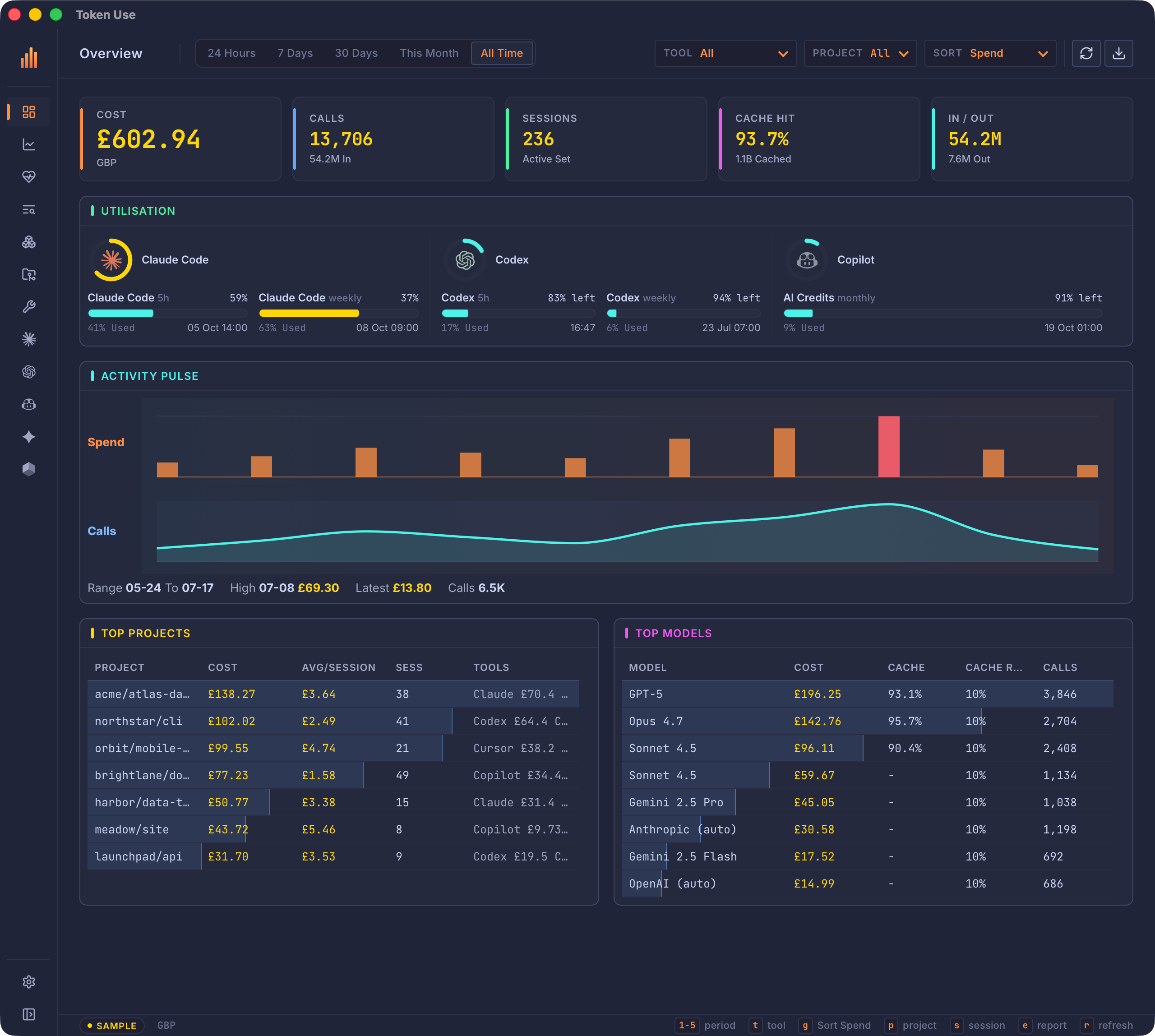
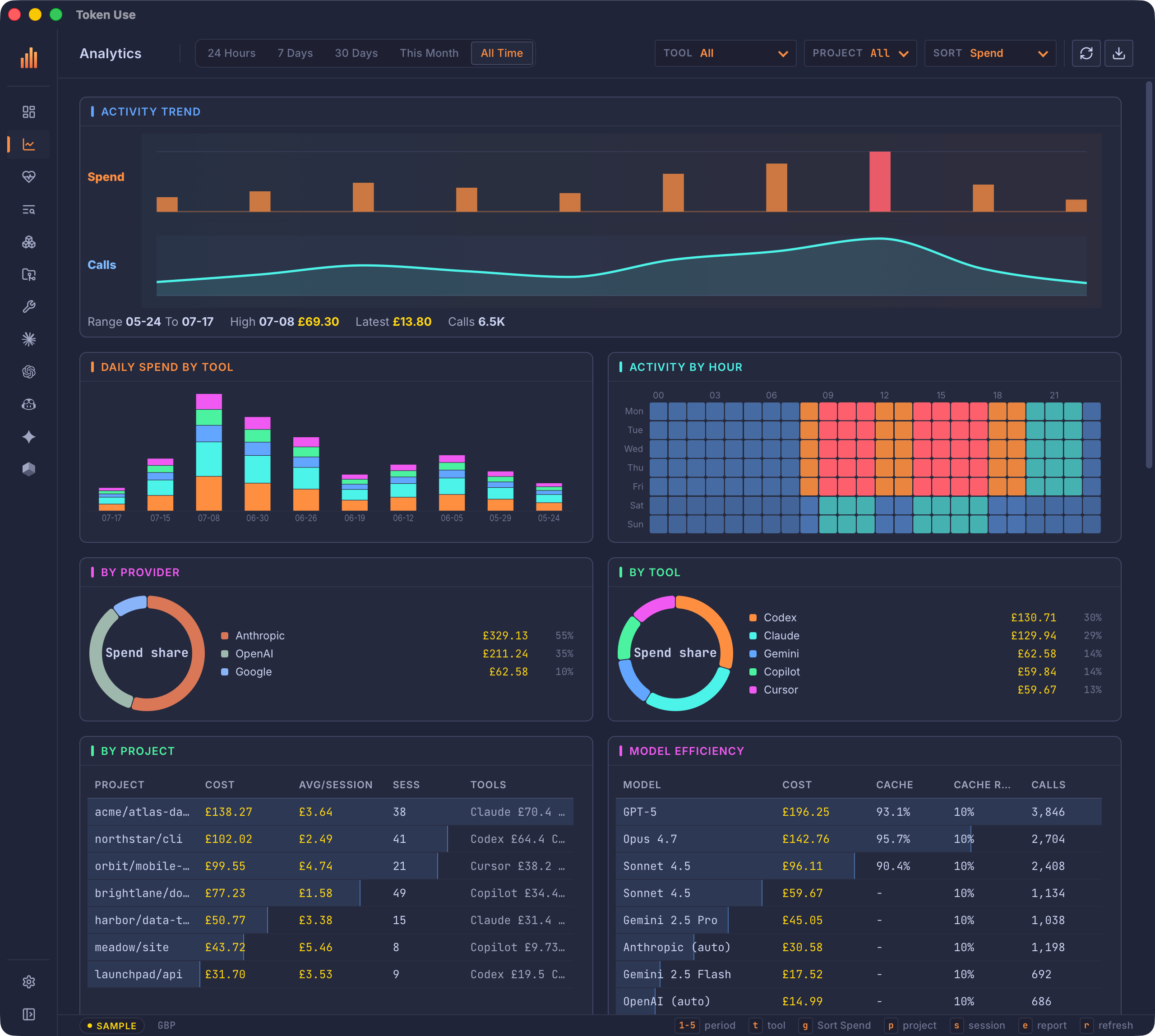
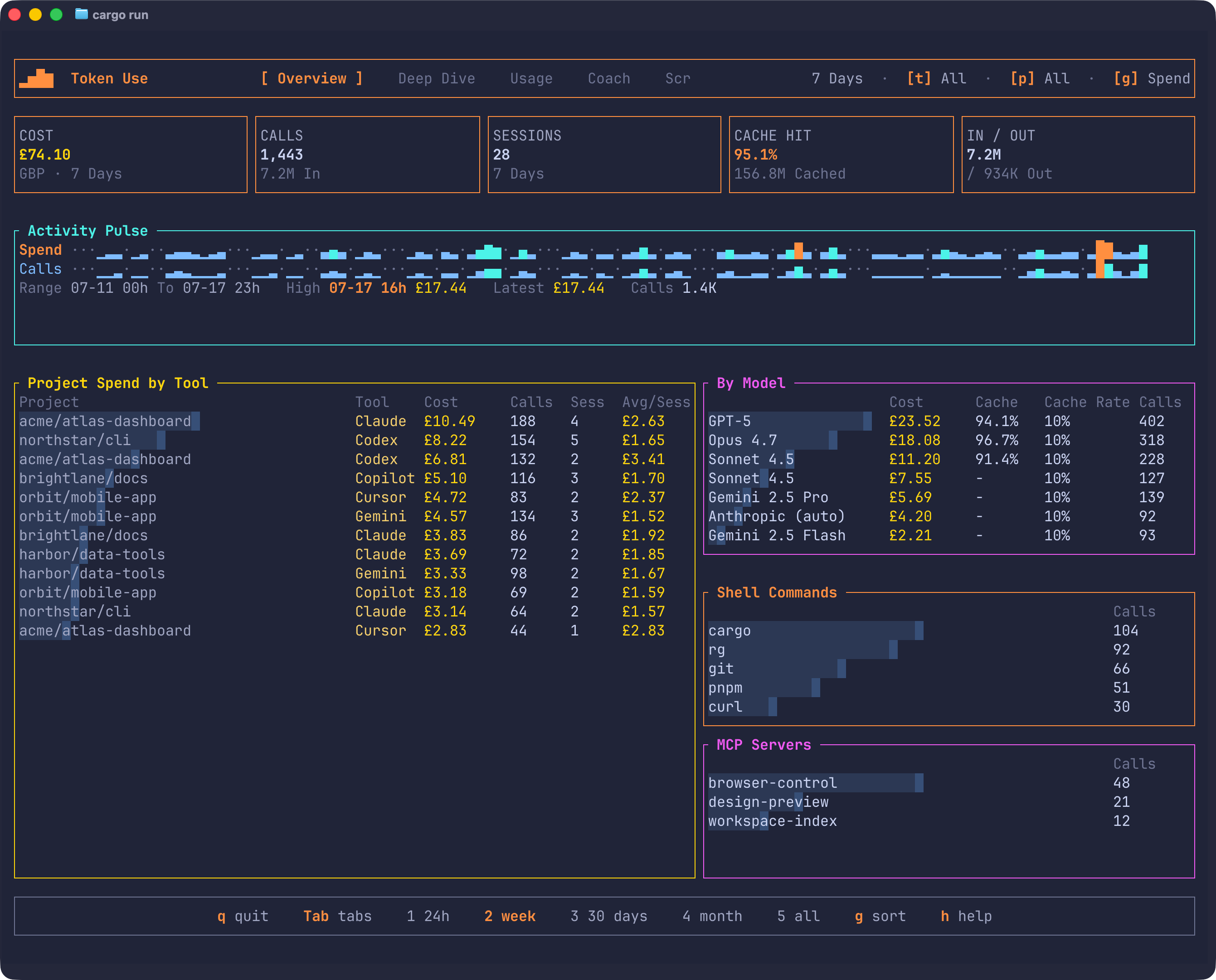
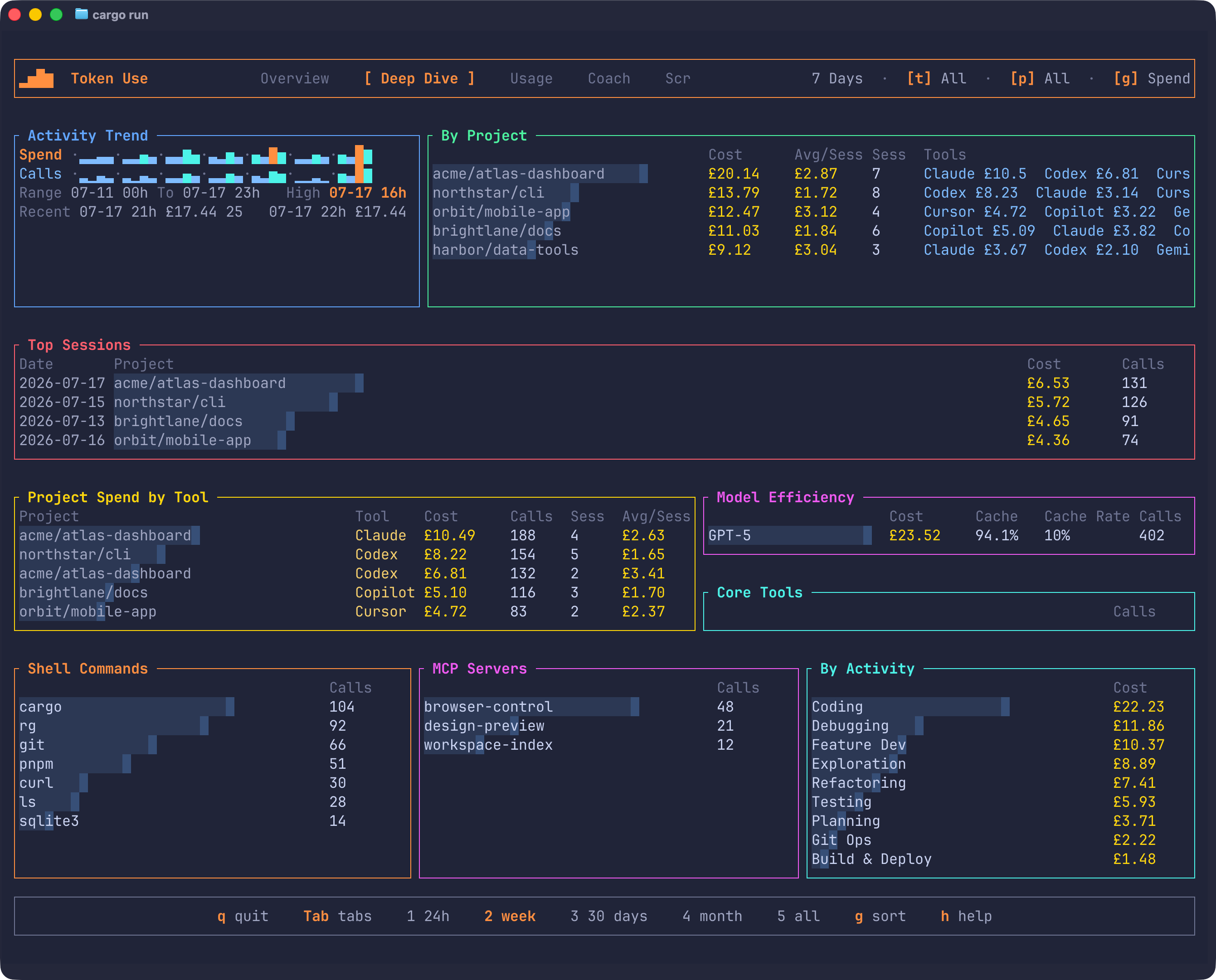
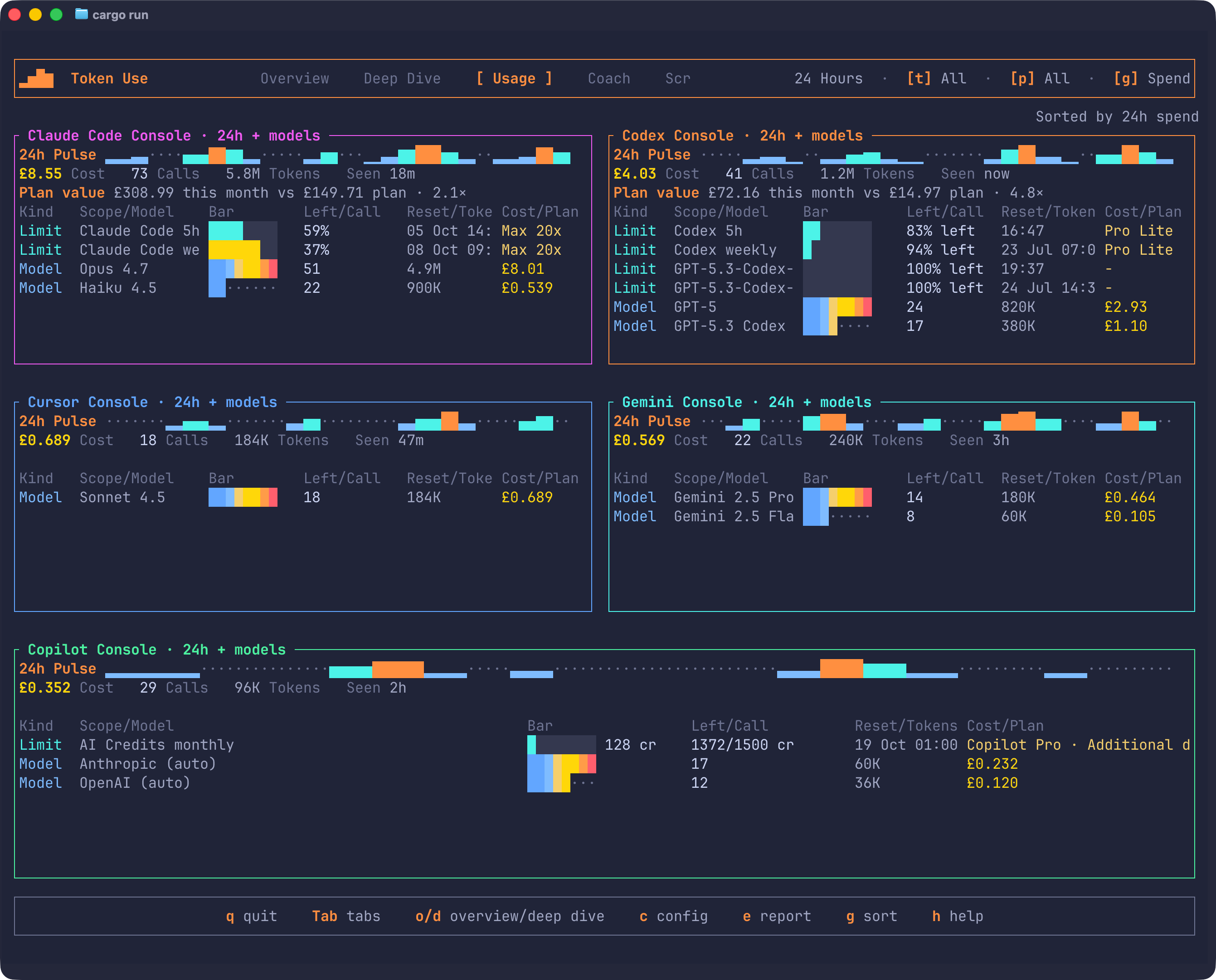
Token Use reads Claude Code, Codex, Cursor, GitHub Copilot, and Gemini history already on your machine, stores it in a local archive, and breaks it down by cost, model, project, and tool, with optional quota gauges when you choose to sync them.
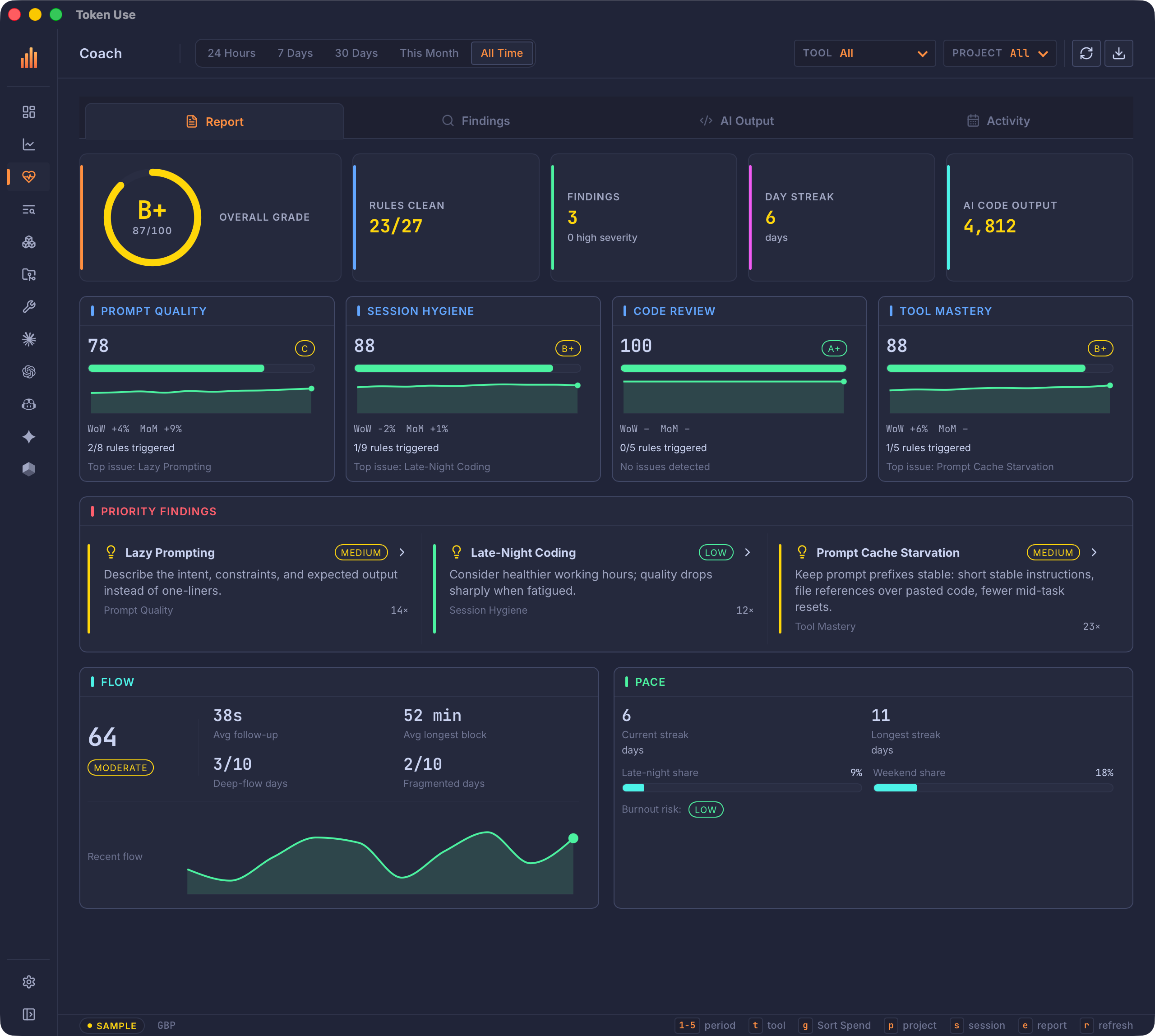
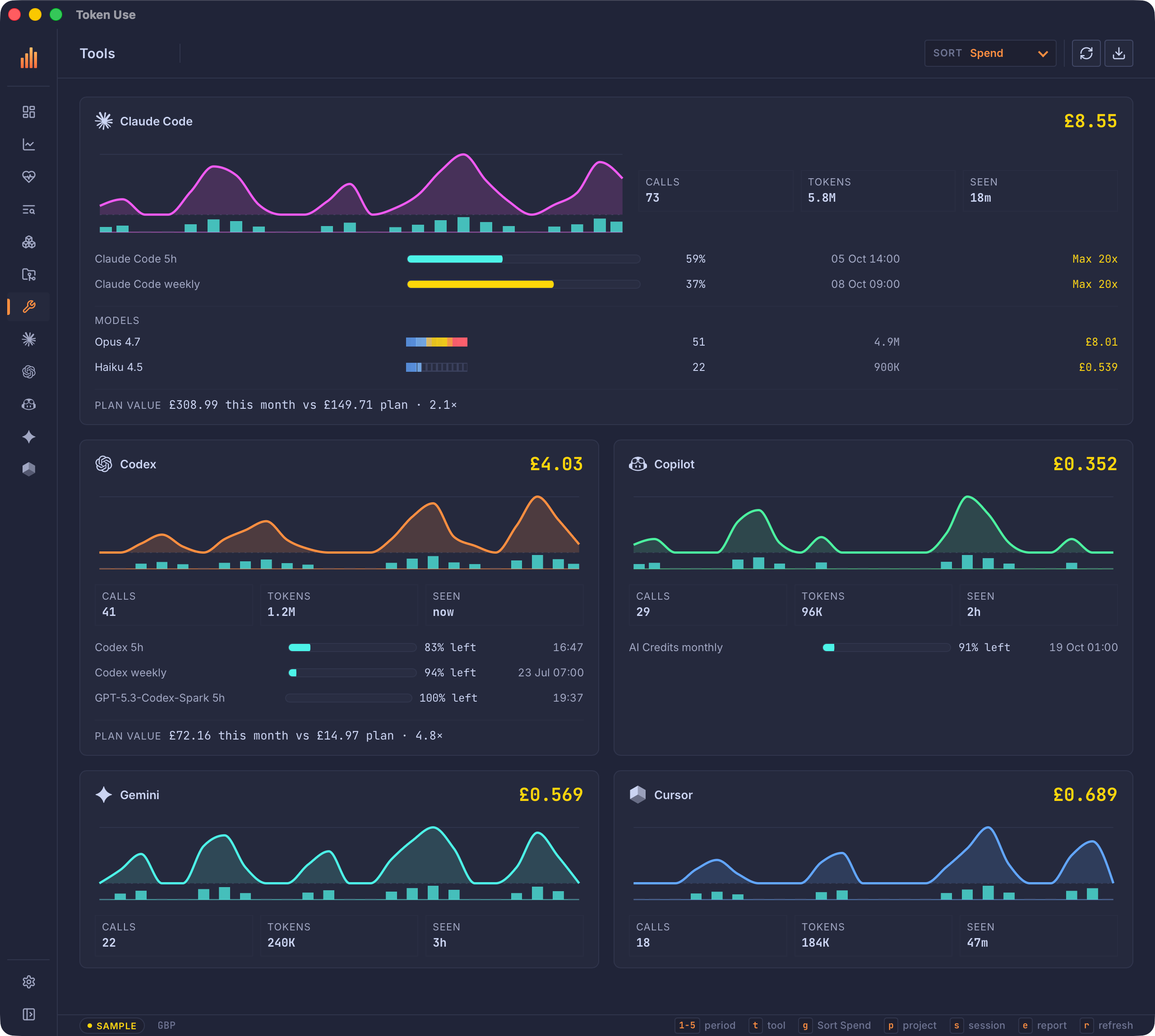
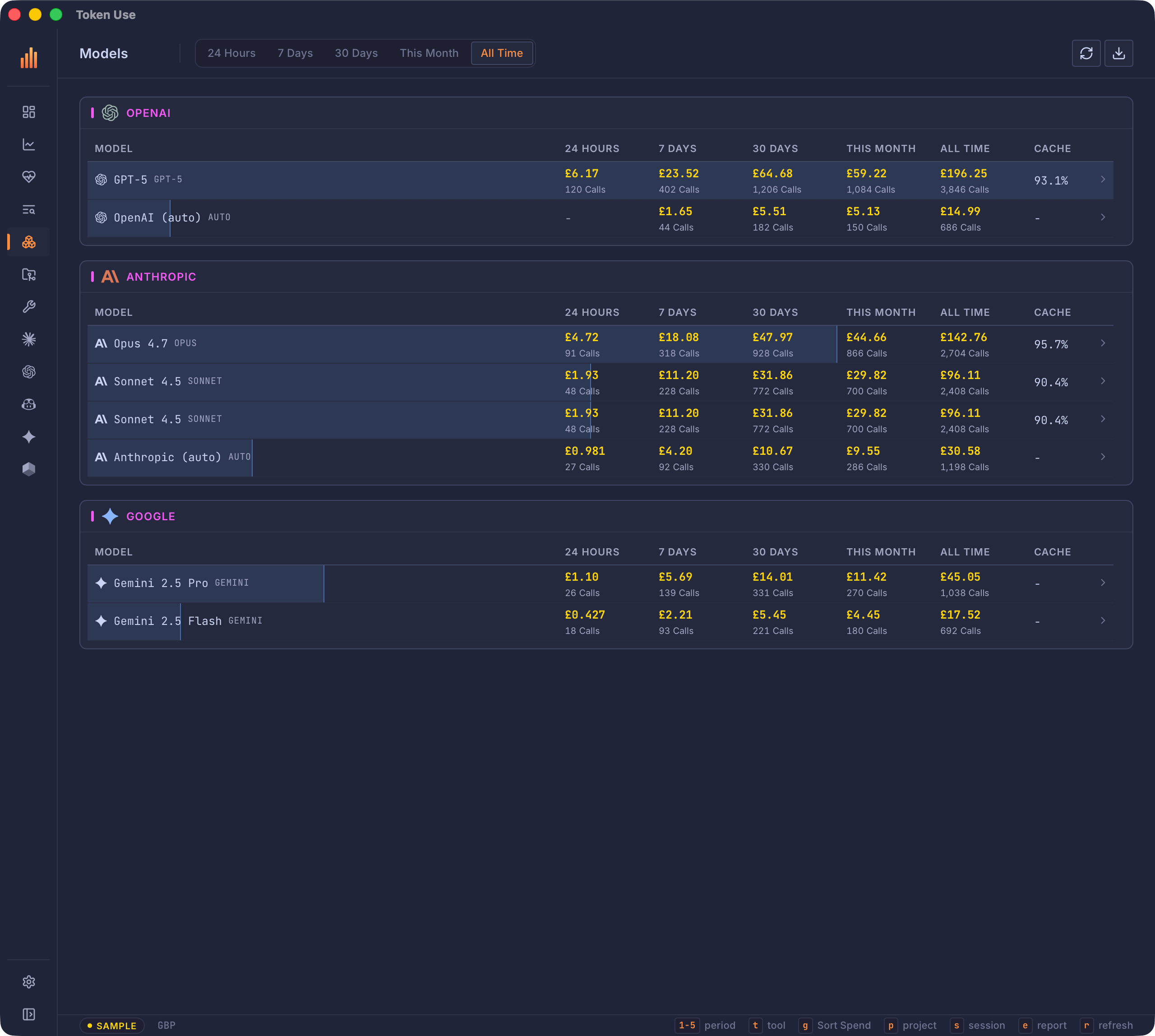
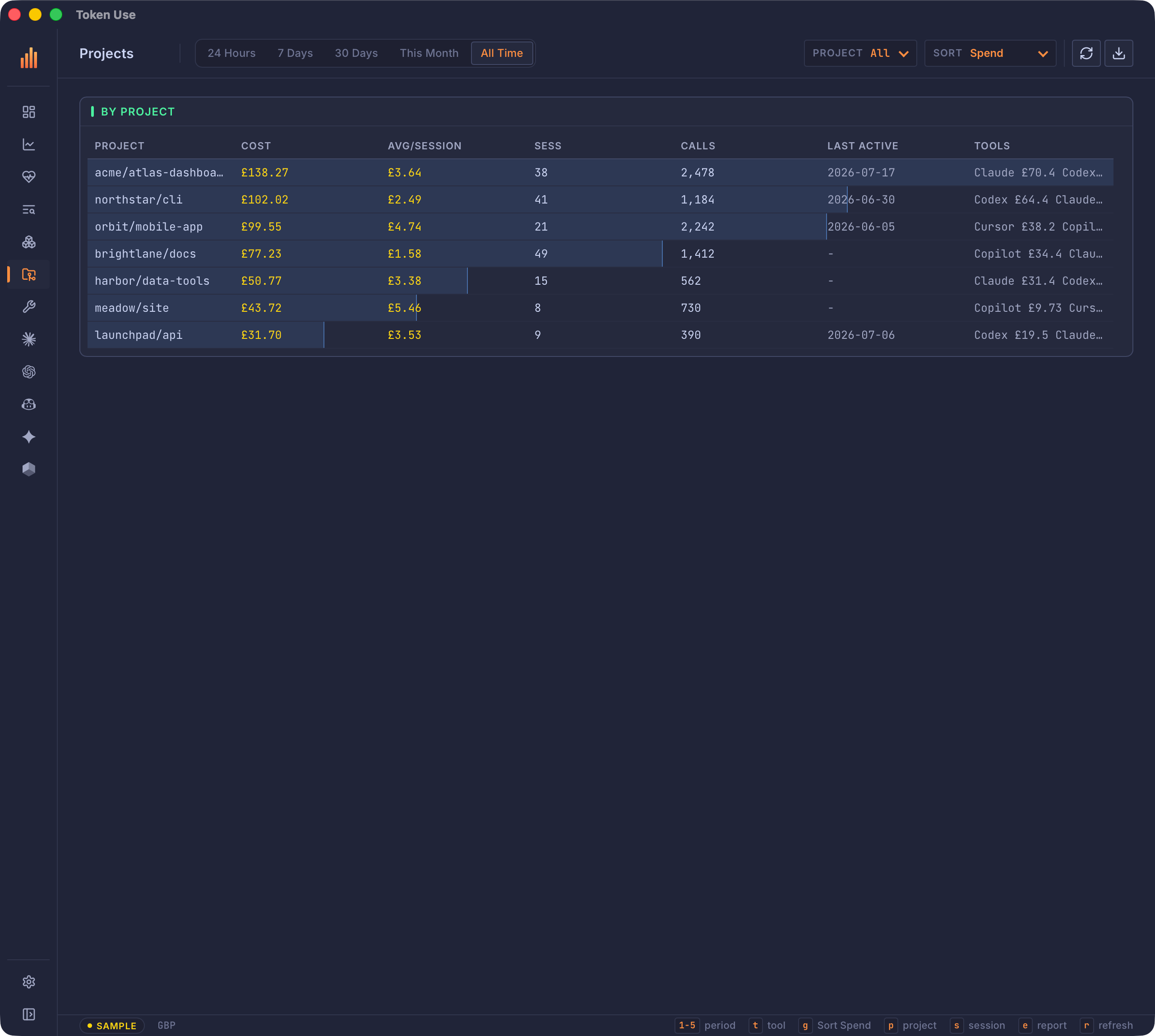
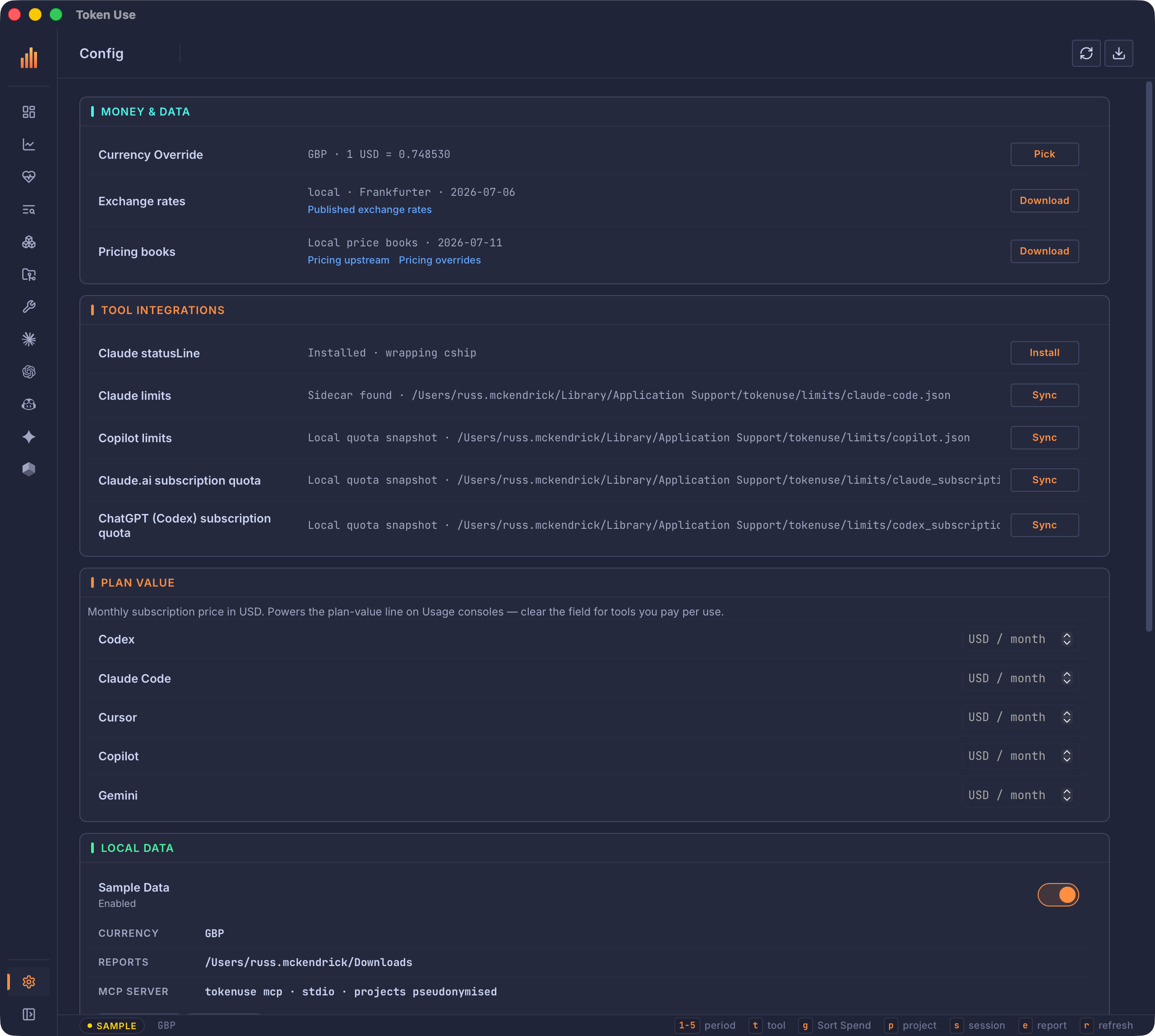
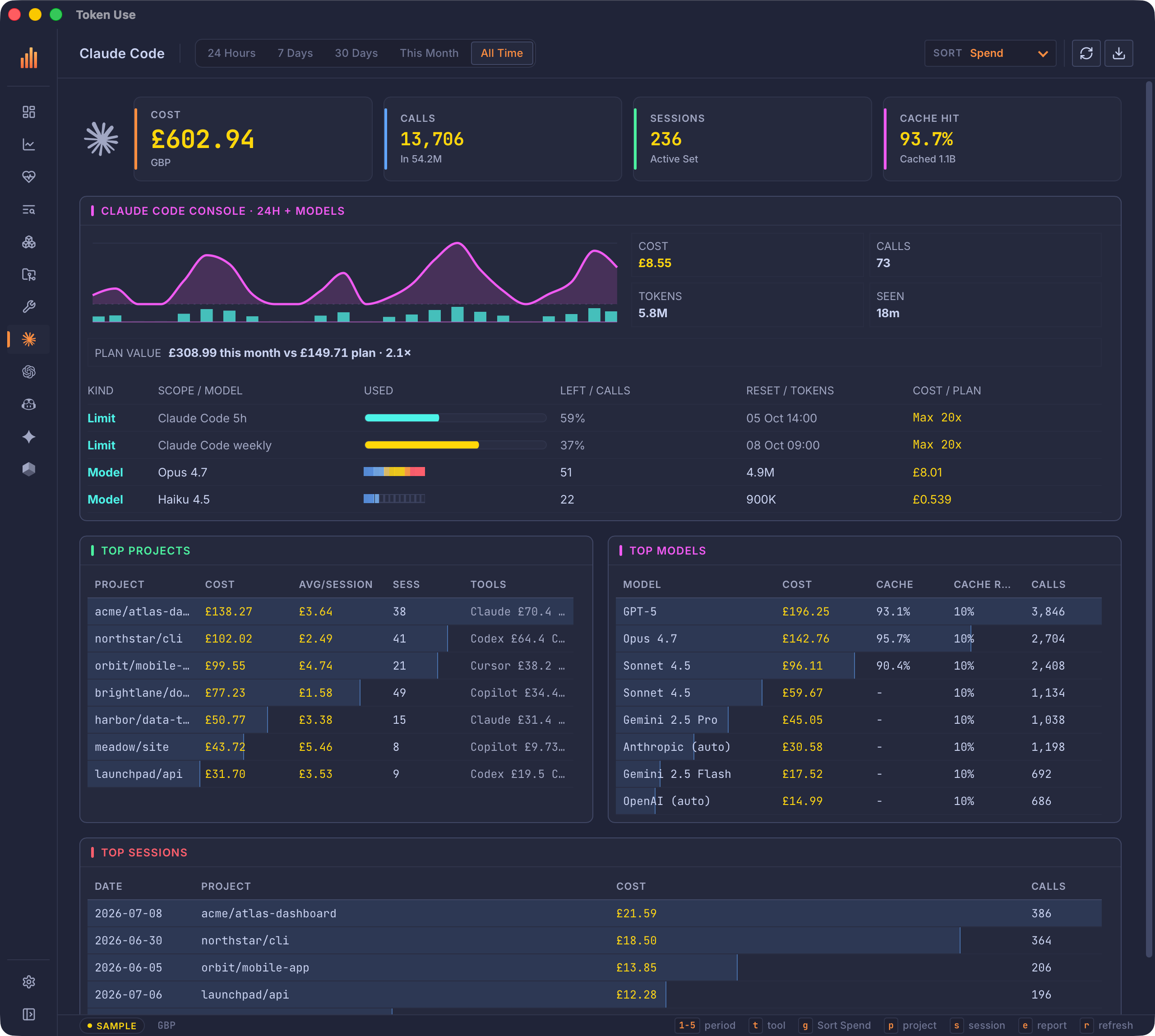
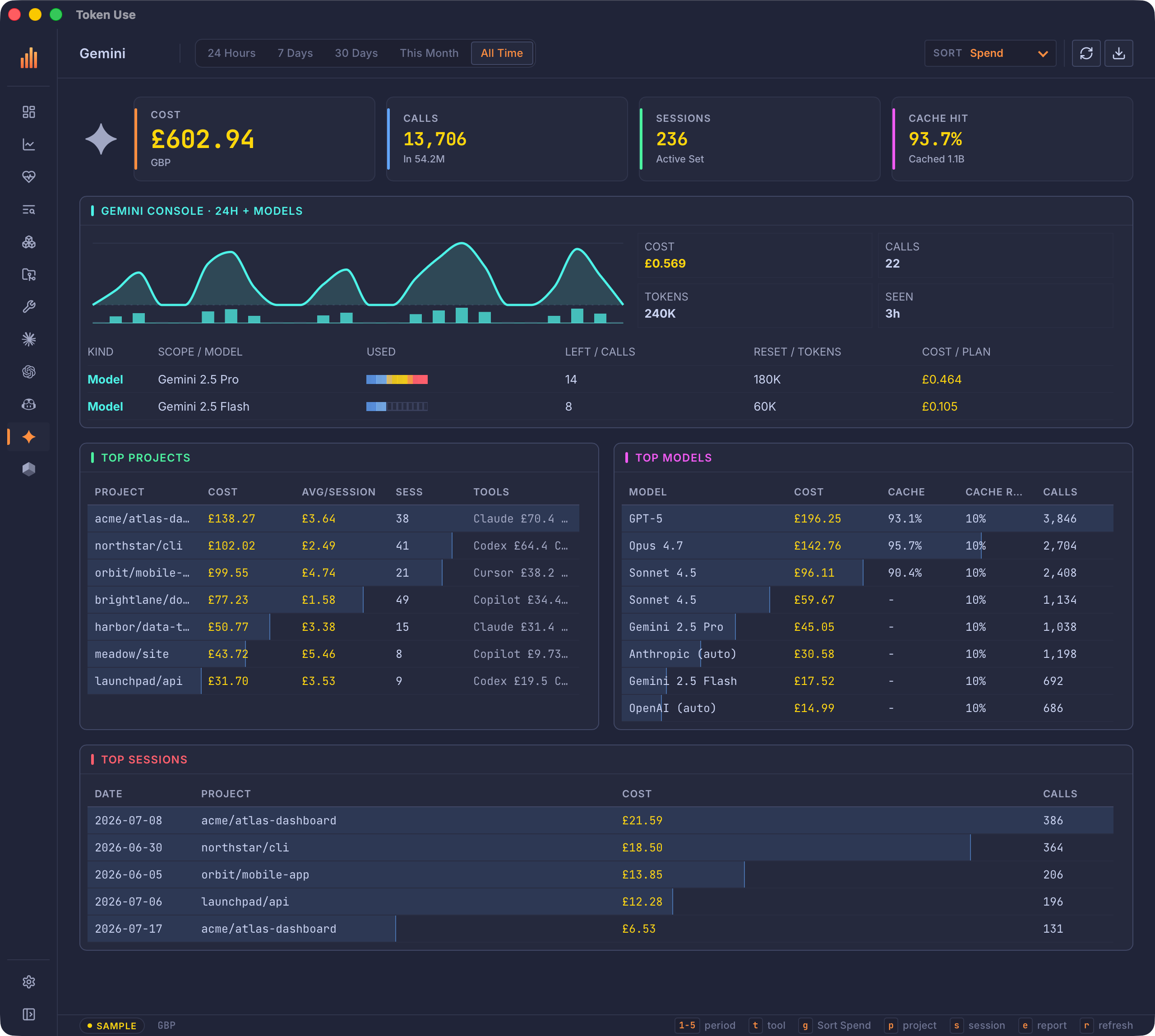
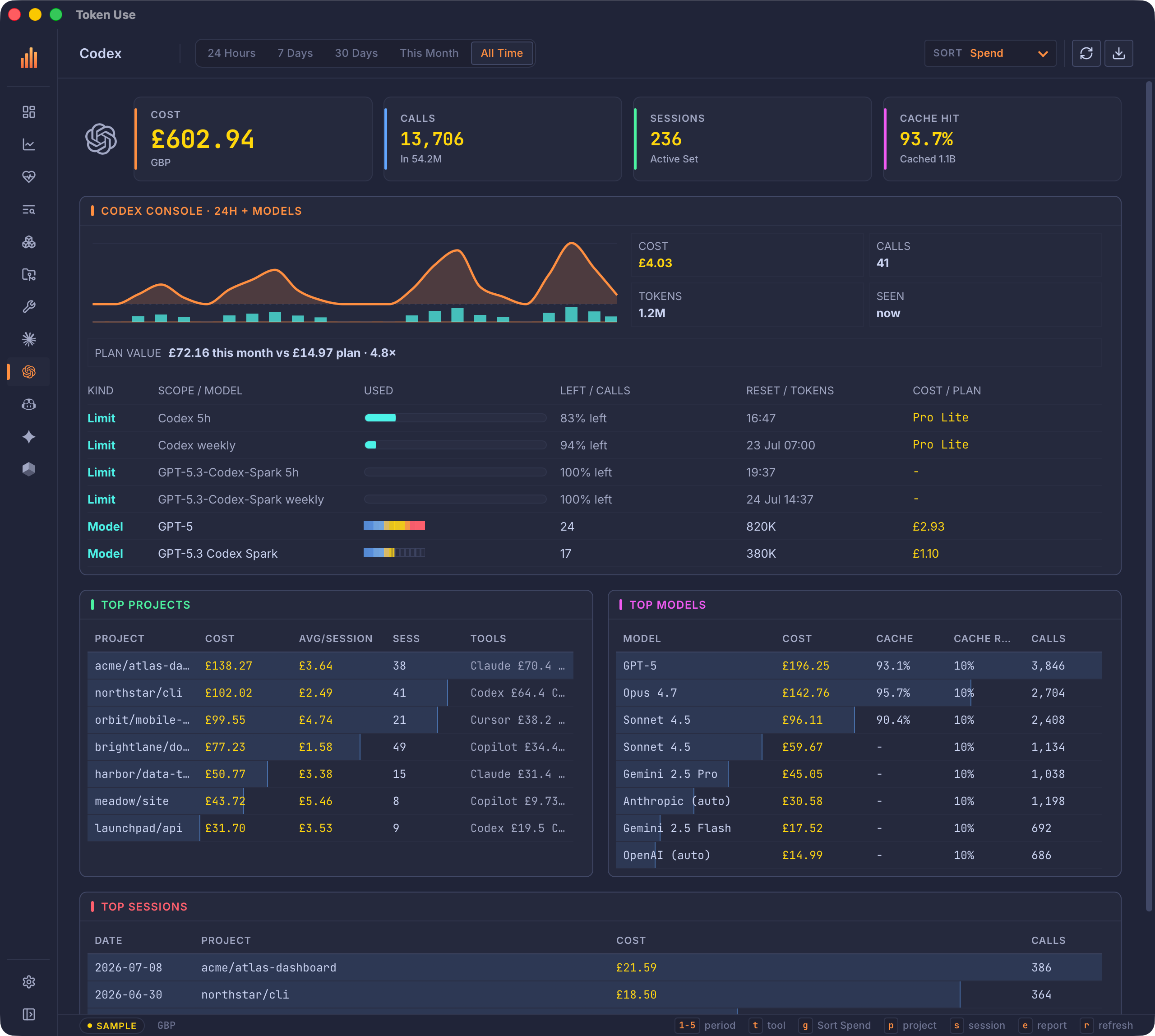
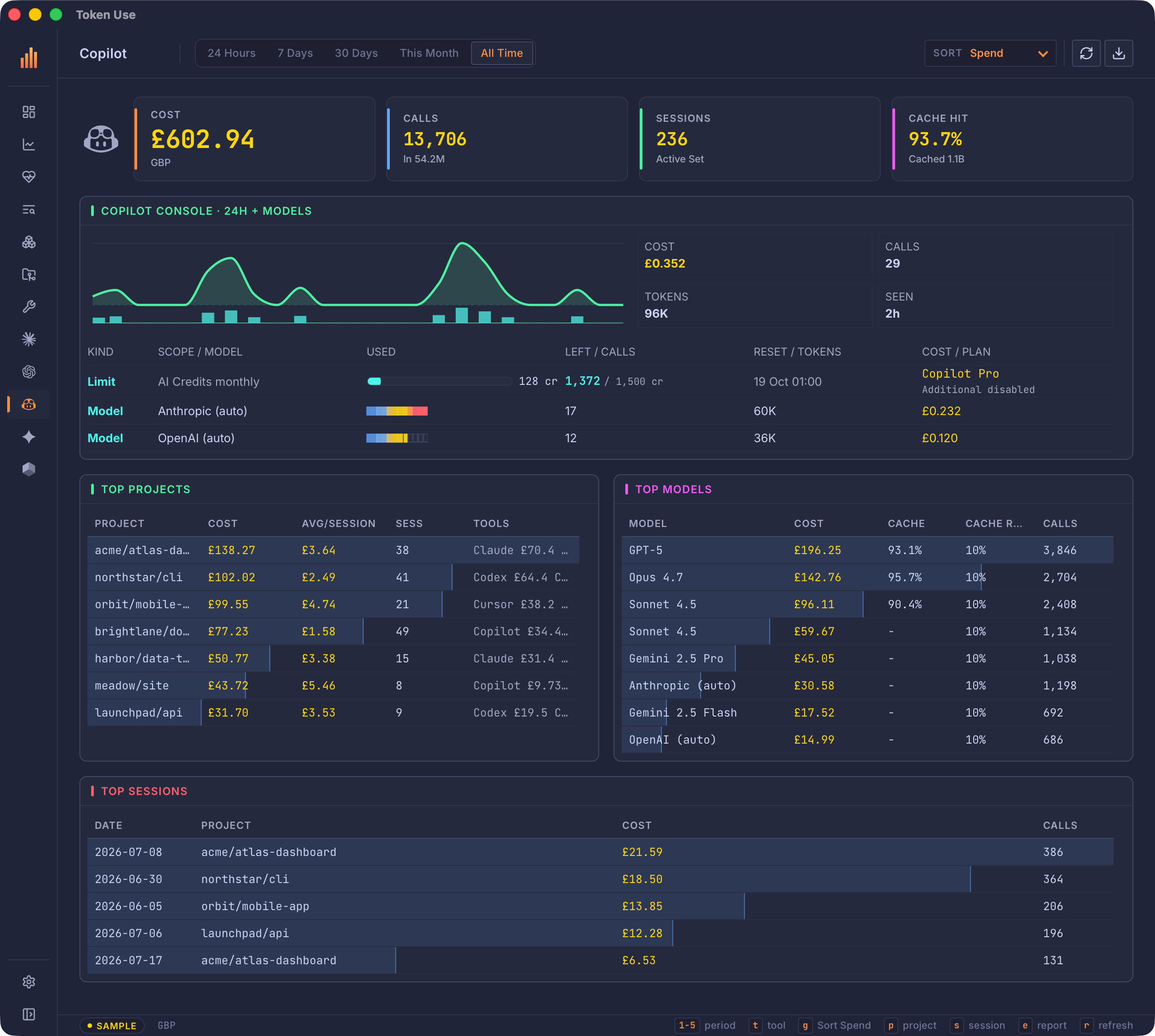
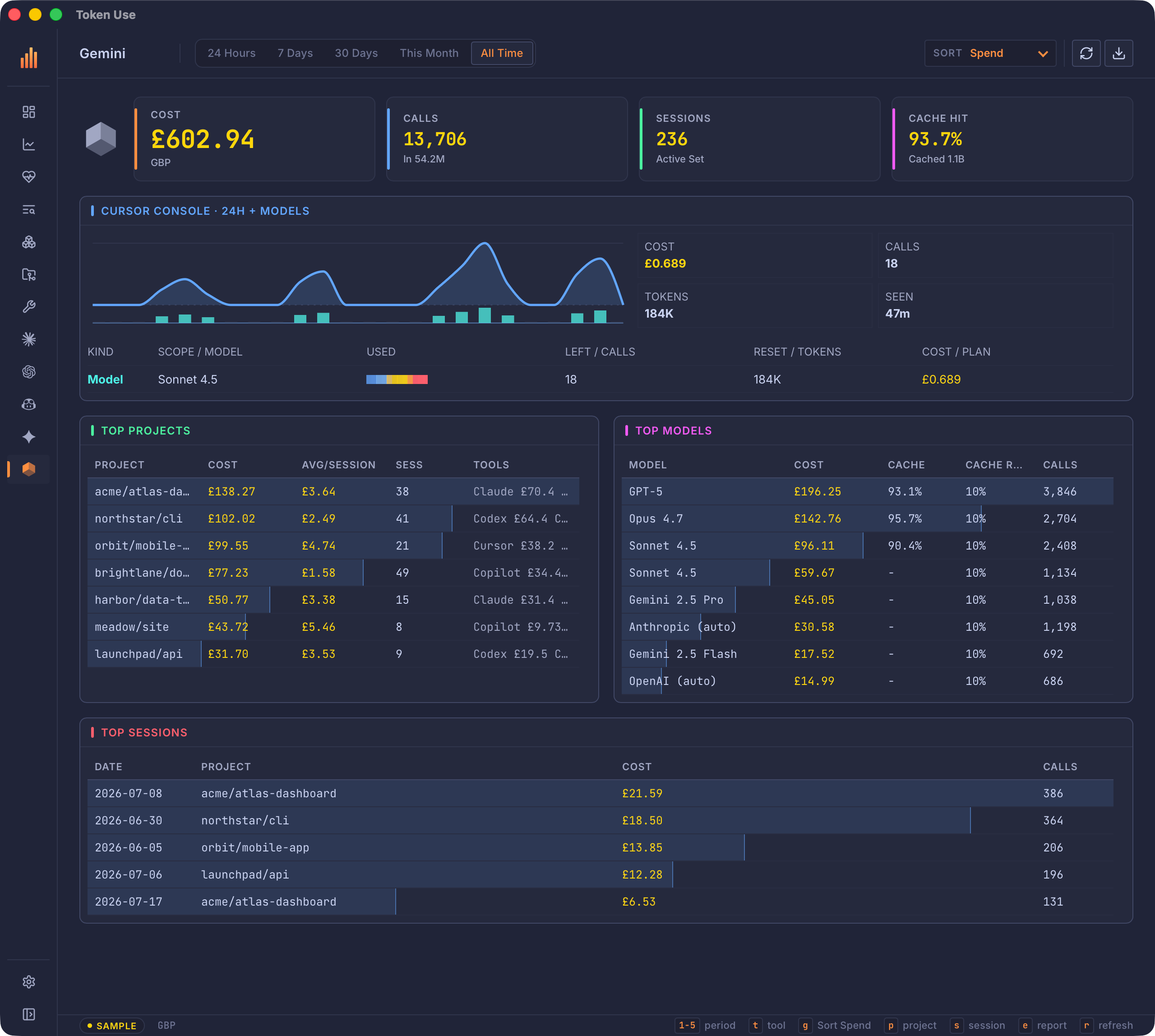
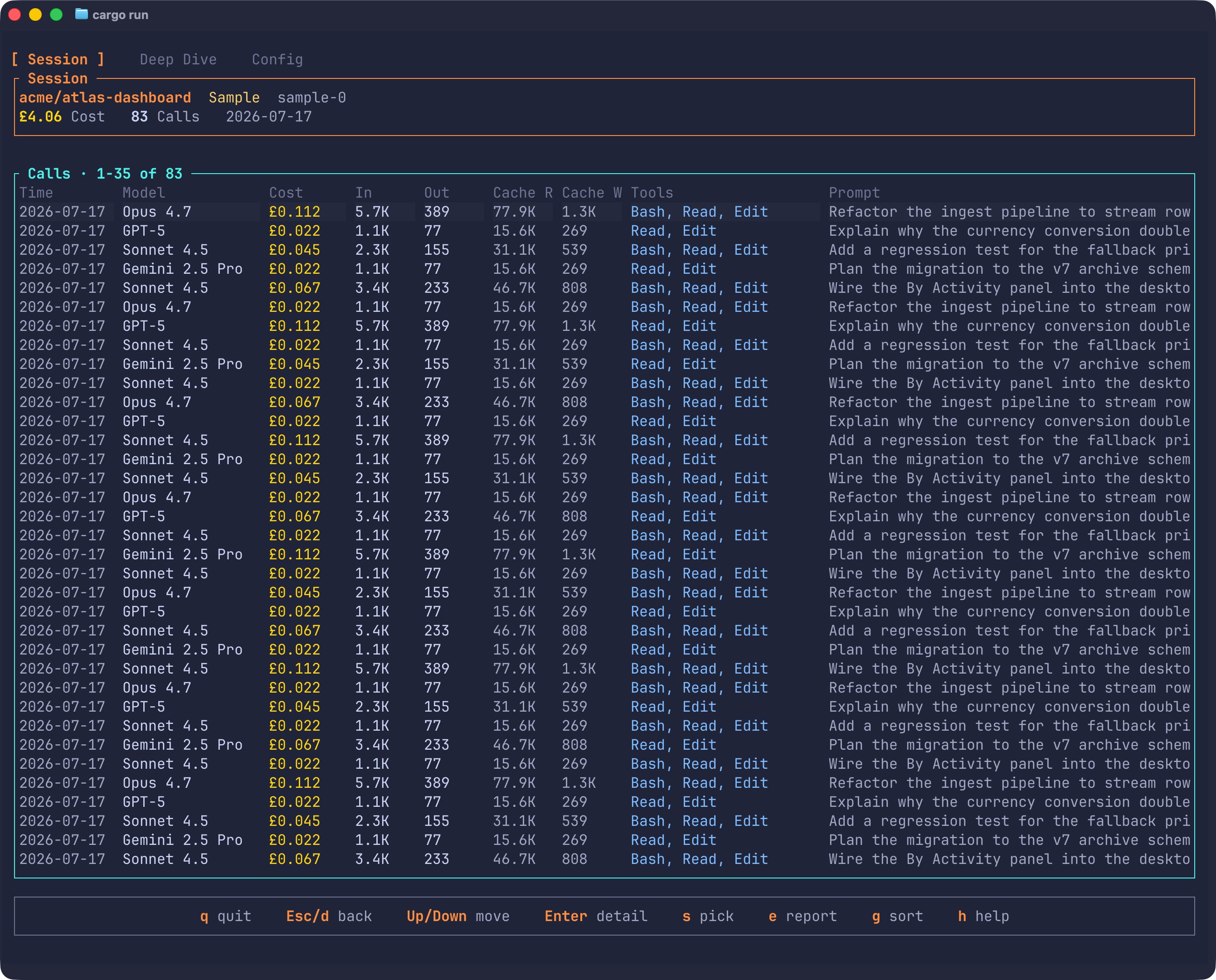
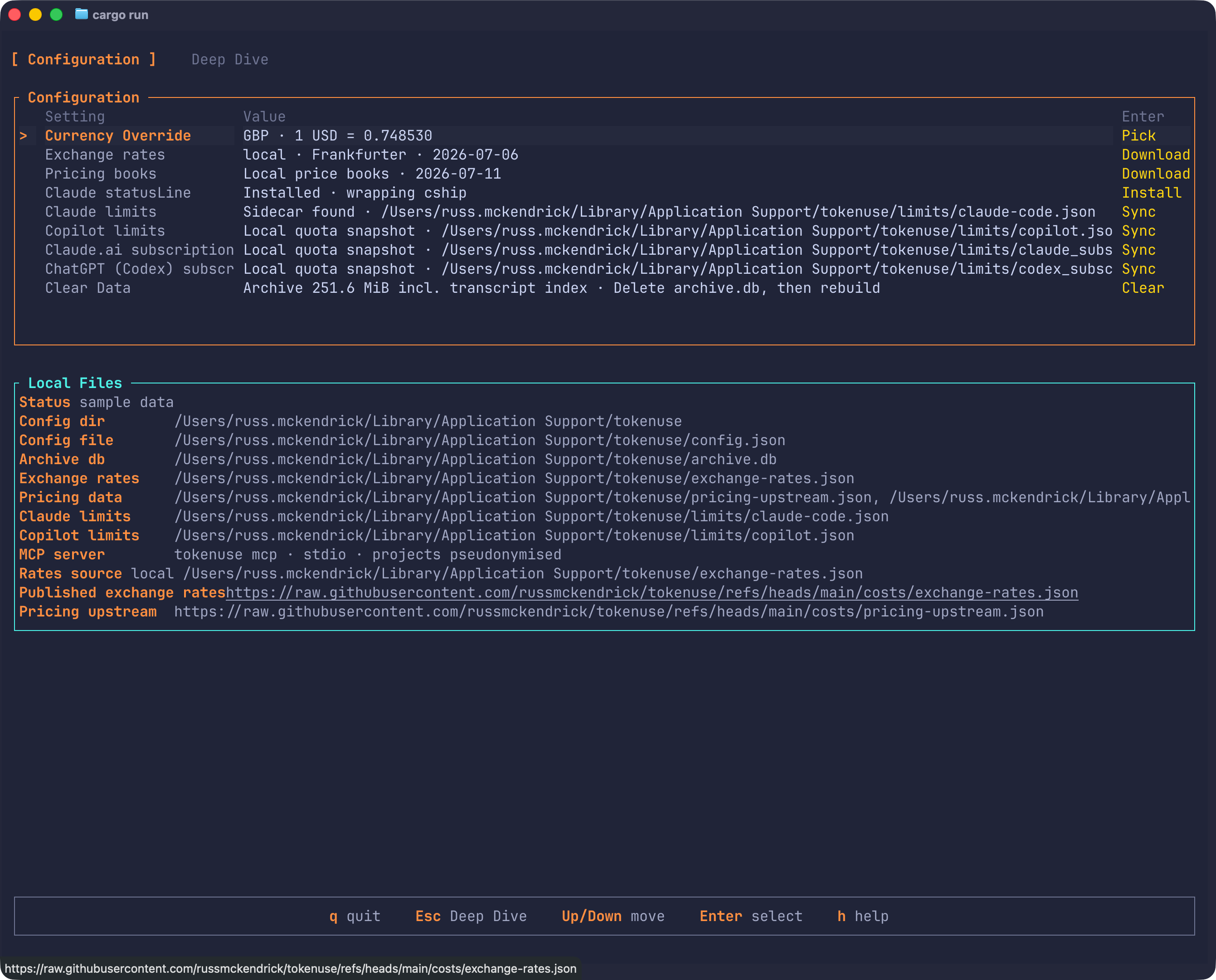
The TUI and desktop app share the same archive, model registry, pricing, and report flow. The desktop is an eight-screen sidebar app with dedicated pages per tool, a Coach page that grades how you work with 27 rules evaluated entirely on your machine, and Scrollback full-text search across every archived transcript; the terminal keeps it tight with Overview, Deep Dive, Usage, Coach, and Scrollback. A read-only MCP server can serve the same numbers to Claude Code or any MCP client, over stdio or a loopback endpoint. In the terminal, press 1-5 for time ranges, o/d/u to switch pages, / for Scrollback, and e for reports.
Desktop gallery
Eight sidebar screens, project and MCP detail, and five tool pages
TUI gallery
Five tabs plus session and config
Token Use reads the session files your tools already write to disk. It normalizes local history into one browsable archive, while limits-only quota sync for Copilot, Claude.ai, and ChatGPT (Codex) stays separate and opt-in from Config.
Use Homebrew on macOS, or pull checksummed TUI and desktop builds from GitHub Releases for Linux and Windows.
$ brew install russmckendrick/tap/tokenuse
$ tokenuse

$ brew install --cask russmckendrick/tap/tokenuse-desktop
$ open -a "Token Use"
$ curl -L -o tokenuse https://github.com/russmckendrick/tokenuse/releases/latest/download/tokenuse-linux-amd64
$ chmod +x tokenuse
$ sudo install -m 0755 tokenuse /usr/local/bin/tokenuse
$ tokenuse
PS> Invoke-WebRequest -Uri "https://github.com/russmckendrick/tokenuse/releases/latest/download/tokenuse-windows-amd64.exe" -OutFile "tokenuse.exe"
PS> .\tokenuse.exe